
Explore the Interface
A tour of Spectralite's workspaces, the preset panel layouts for each part of building a show.
Spectralite groups its panels into workspaces. Each workspace is a preset layout for one part of building a show. Switch between them with the tabs along the top of the window. To add your own, click the + beside the tabs.
Workspaces
Live View
Build and run the show here. The Preview renders your lighting output in real time, so you can design a whole show with nothing plugged in.
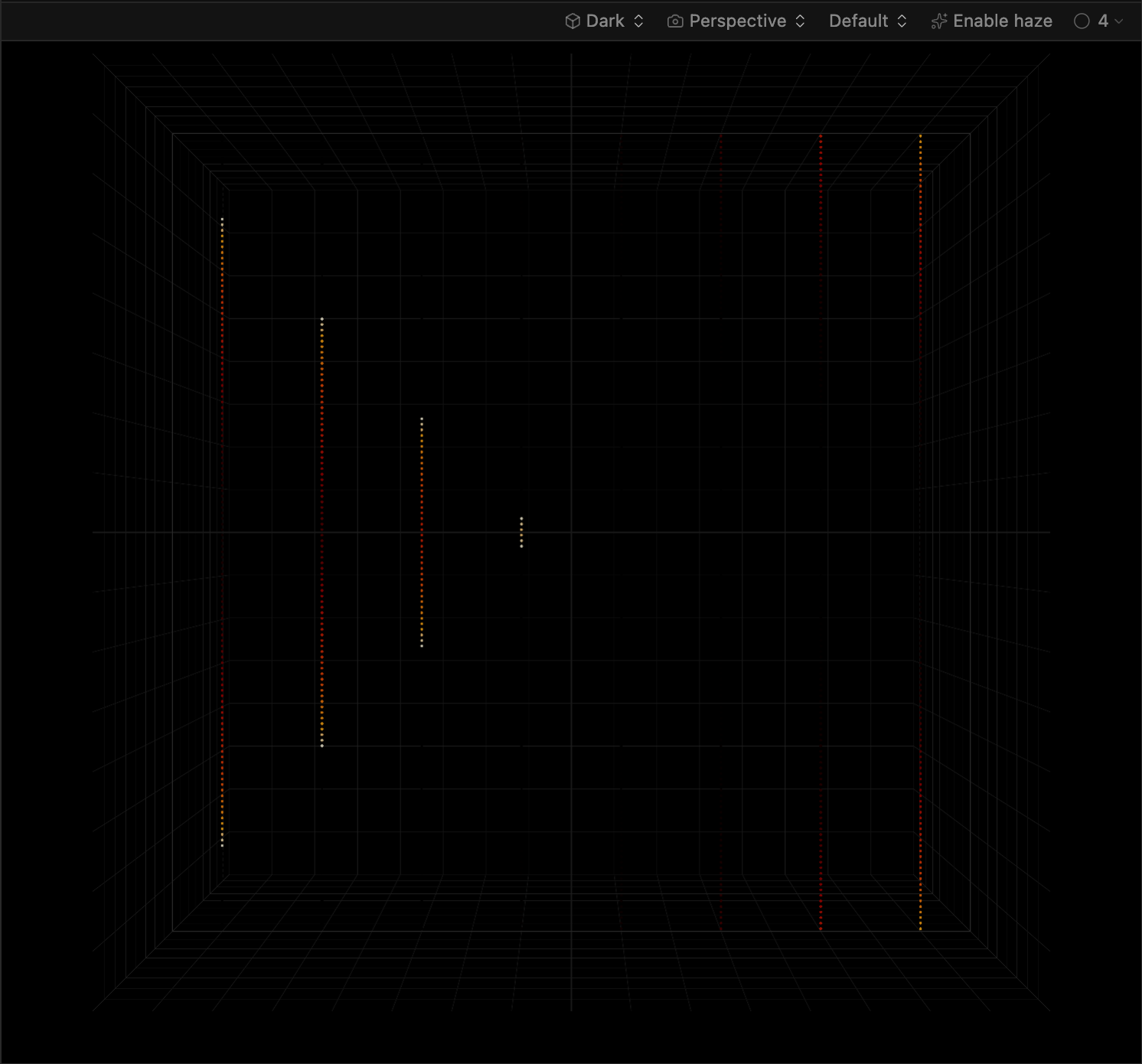
The Timeline underneath stacks effect layers and controls their timing. Higher layers blend with or override lower ones. The Timeline measures positions in beats, so the show stays in step when the tempo changes.

The same workspace also holds the Parameters panel, where you set channels such as dimmer, pan and tilt, gobos, and color wheels by hand. Next to it, the Beat Matcher sets the BPM that beat-based effects follow. Its Tap Tempo and Cue Align controls lock onto a live track.
Fixtures
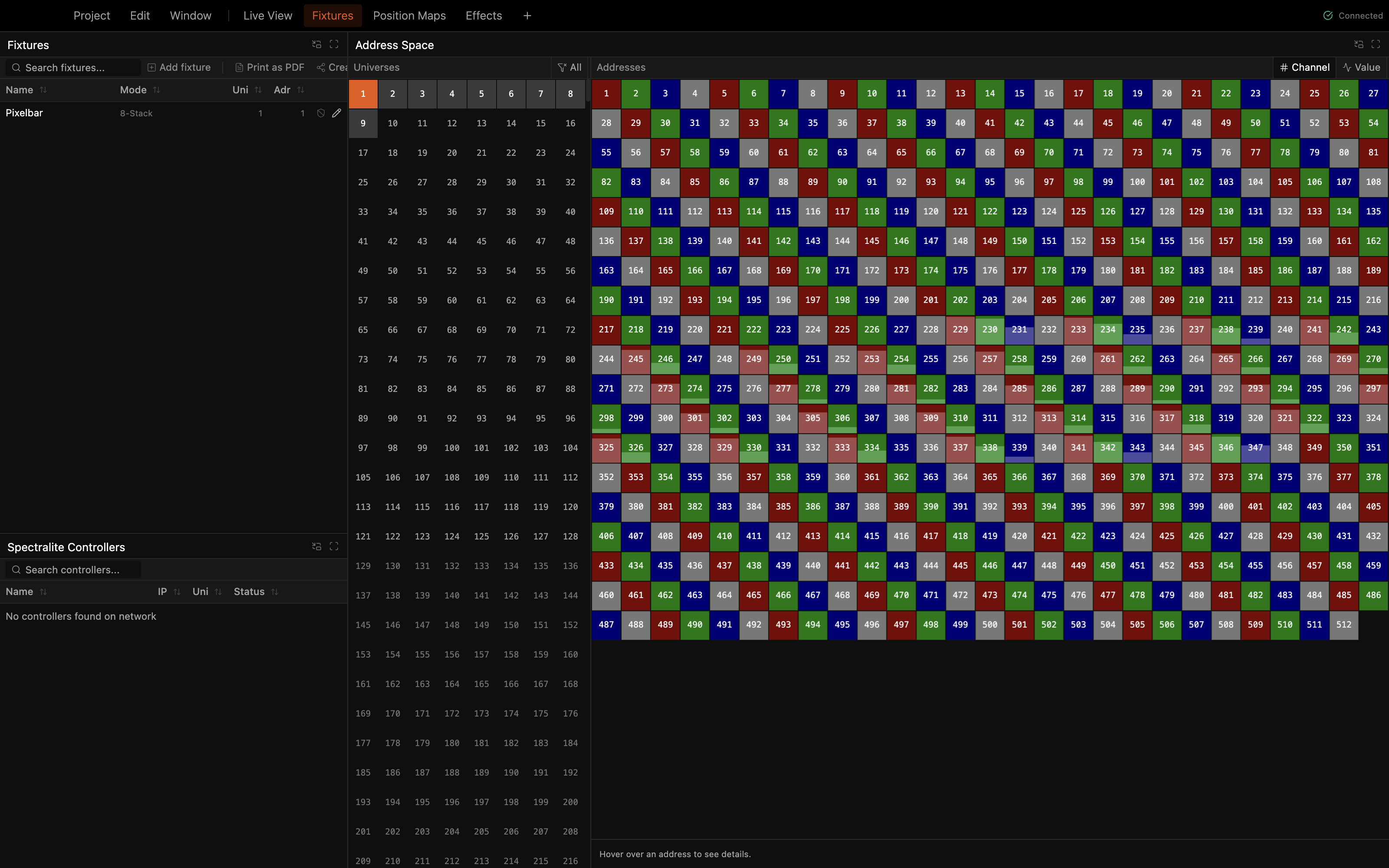
Patch and address your lights here. The fixture list sits next to the Address Space grid, which shows which DMX channels each fixture occupies across every universe.
Layouts
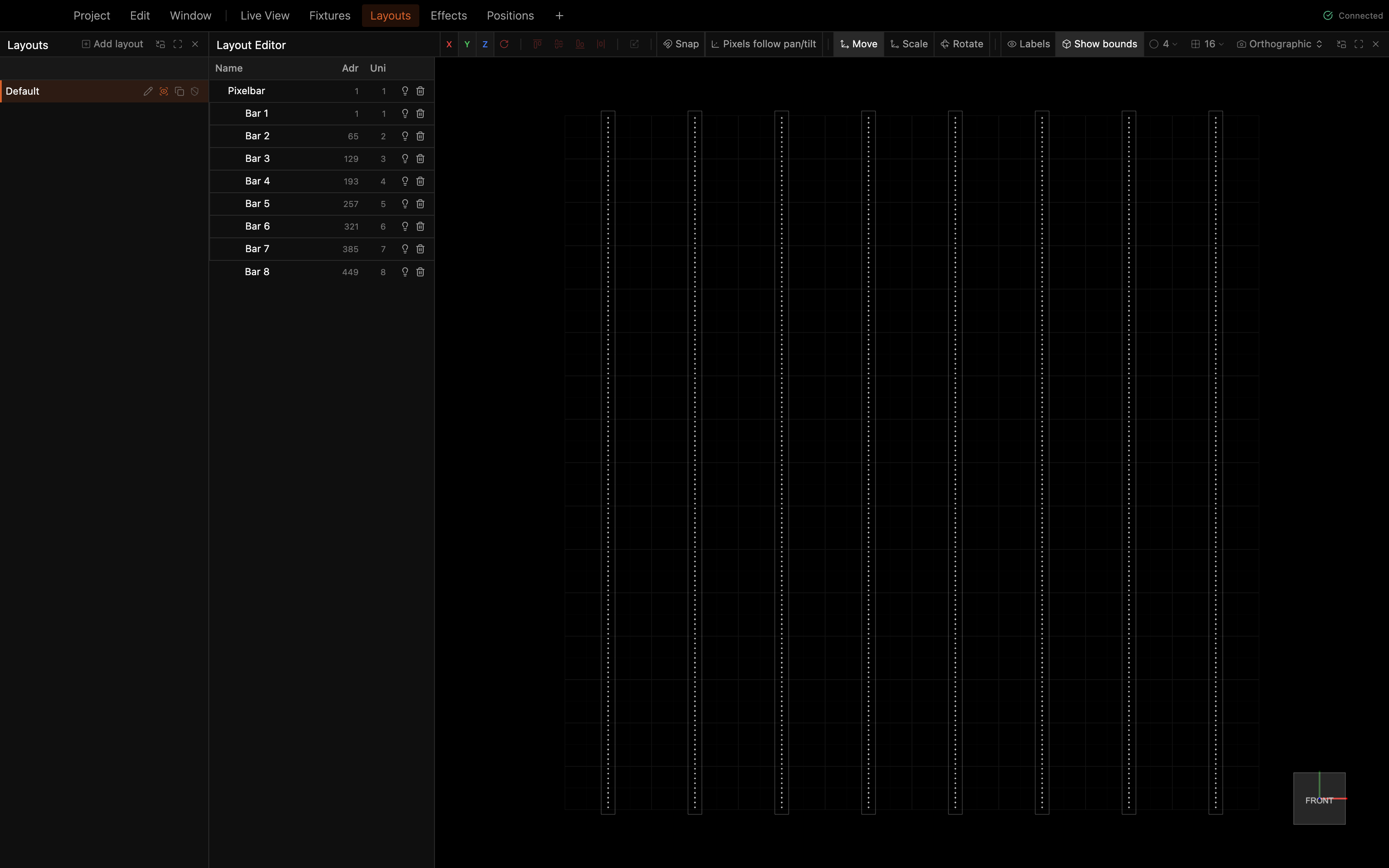
Arrange fixtures in space in a fixture layout, so effects know where to render each one. Drag fixtures around the 3D viewport, then rotate, scale, align, and distribute them.
Effects
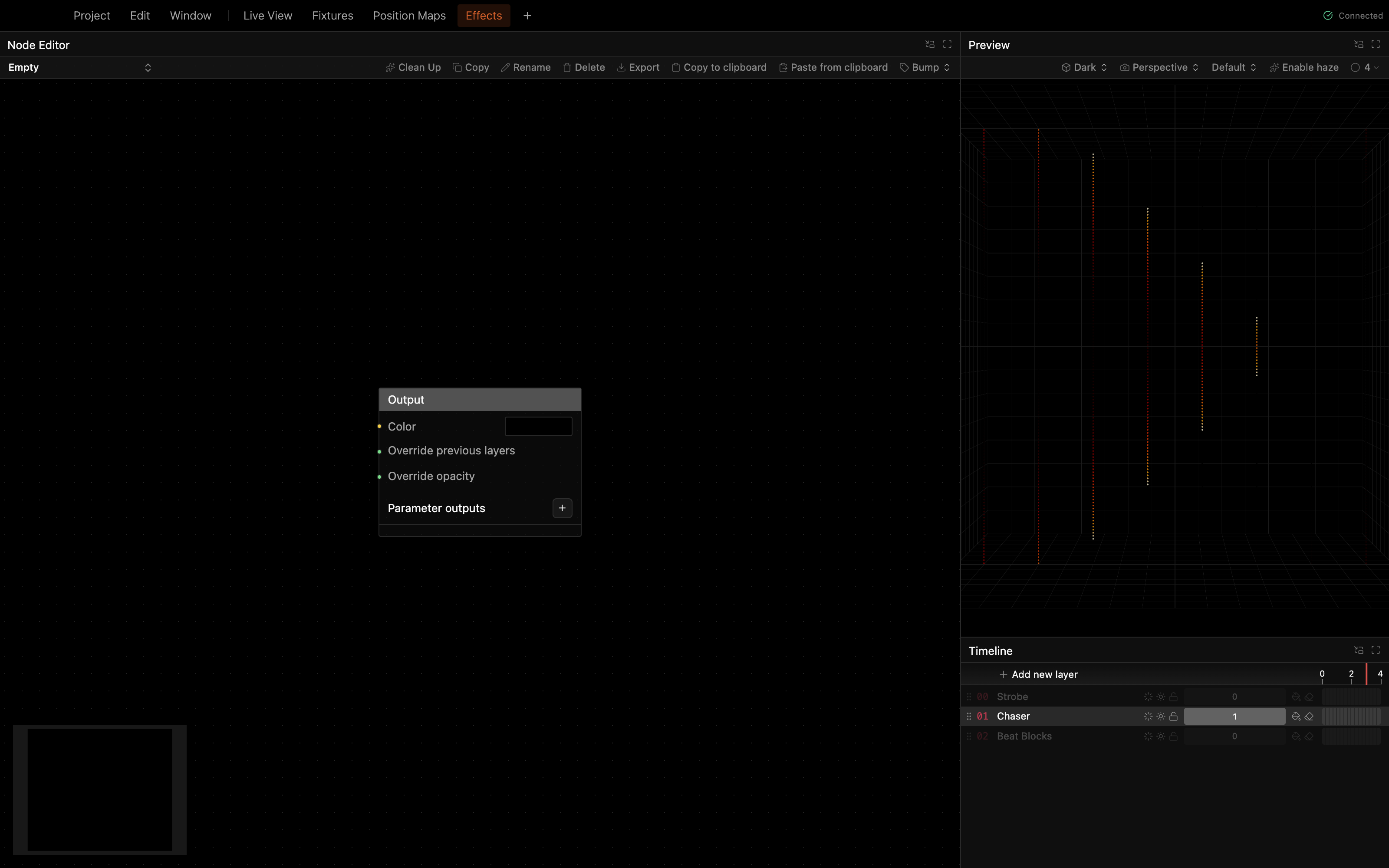
Open the Node Editor to build custom effects from scratch. There, you wire nodes into an Output. You can build most shows from the effects that ship with Spectralite and never open the Node Editor.
Positions
Aim groups of moving heads at places on the stage in 3D Aim, and recall the stored positions from the Positions grid below it.
Customizing layouts
You can reshape any workspace:
- Drag panel borders to resize.
- Add panels from Window > Add panel, including Audio Spectrum, History, and Spectralite Controllers.
- Add another workspace tab from Window > Add workspace. Choose a preset or an empty layout.
- Restore the defaults with Window > Reset workspaces.
MIDI and DMX input mappings are under Edit > Inputs. See MIDI Input and DMX Input for those.